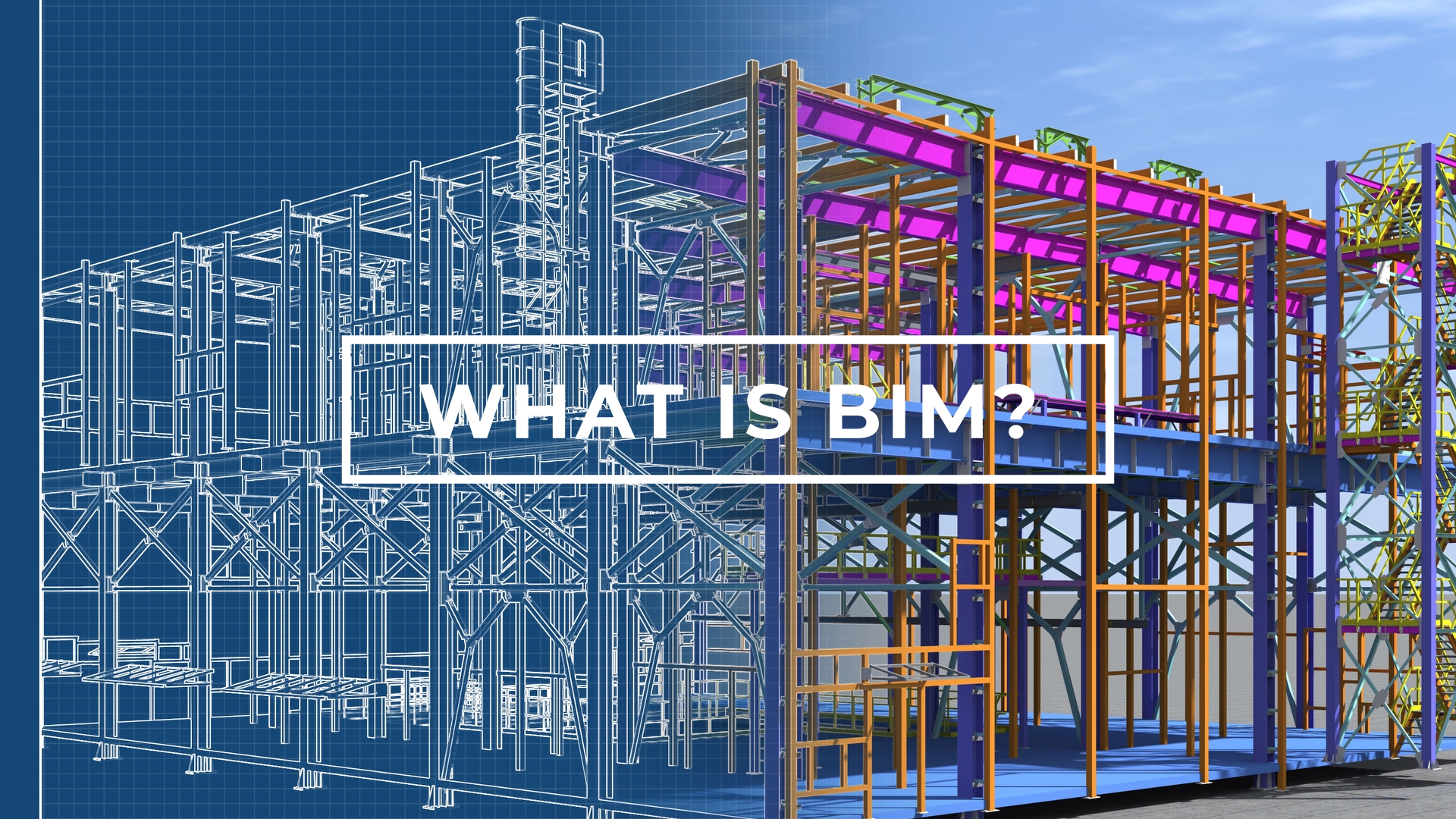
BIM Is Not Just a 3D Model — It's a Complete Digital Process
If you've heard the term Building Information Modeling (BIM) and assumed it simply means "3D CAD," you're not alone — and you're not entirely wrong. But BIM is vastly more than geometry. It is a collaborative, data-rich process that connects every piece of information about a building — from its structural columns to its HVAC ducts, from construction schedules to lifecycle costs — into a single coordinated digital environment.
In traditional construction, architects produce 2D drawings, structural engineers produce separate 2D drawings, and MEP engineers do the same. These documents are manually cross-referenced, and clashes only emerge on site — where fixing them costs real money. BIM replaces this fragmented workflow with a federated 3D model that every discipline can interrogate simultaneously.
💡 Key insight: According to McKinsey & Company, projects using BIM experience up to 20% reduction in construction costs and up to 50% fewer on-site errors compared to traditional 2D workflows.
The 7 Dimensions of BIM Explained
BIM is often described in "dimensions" — each layer adds a new type of information on top of the 3D model. Understanding these dimensions helps clients brief their BIM engineer correctly and get the most value from the process.
| Dimension | What It Adds | Practical Use |
|---|---|---|
| 3D — Geometry | The 3D digital model of the building | Visualisation, clash detection, quantity take-offs |
| 4D — Time | Construction schedule linked to model elements | Phasing simulation, site logistics planning |
| 5D — Cost | Cost data attached to model elements | Automated quantity take-offs, real-time cost estimates |
| 6D — Sustainability | Energy and environmental performance data | Passive design optimisation, carbon analysis |
| 7D — Facilities Management | Maintenance data, asset info, warranties | Handover to building owners, lifecycle planning |
For most private residential and commercial projects, clients require 3D BIM (LOD 350) — full geometric coordination delivered as a Revit model with PDF documentation sets. The higher dimensions (4D–7D) are typically required on government, infrastructure, or large commercial contracts.
LOD Levels: What Are They and Which Do You Need?
Level of Detail (LOD) — sometimes called Level of Development — defines how much geometric and data precision exists in a BIM model. The American Institute of Architects (AIA) formally defines LOD 100 through LOD 500. Understanding these prevents costly misalignment between what clients expect and what is delivered.
| LOD | Name | Description | Typical Use |
|---|---|---|---|
| 100 | Conceptual | Massing / volumes only, approximate dimensions | Feasibility studies, early planning |
| 200 | Schematic | Approximate geometry, sizes, shapes, locations | Schematic design, outline specification |
| 300 | Detailed Design | Specific geometry, quantities, orientations | Design development, coordination begins |
| 350 | Construction | Full coordination geometry, interfaces between systems | Construction documentation, clash detection |
| 400 | Fabrication | Full fabrication, assembly, and installation detail | Shop drawings, prefabrication |
| 500 | As-Built | Verified, field-measured elements as constructed | Handover, facilities management |
📐 For most residential and commercial projects: LOD 350 is the standard deliverable — it provides full construction-ready coordination while remaining cost-effective. LOD 400 is specified when prefabricated steel or precast concrete elements require shop-drawing-level precision.
The Three Core BIM Disciplines
A fully coordinated BIM model brings together three distinct disciplines, each modeled by a specialist in the relevant software environment:
Architectural BIM
The architectural model defines the building's geometry — walls, floors, roofs, doors, windows, stairs, and finishes. Modeled in Autodesk Revit Architecture, it forms the coordination backbone that structural and MEP models are built around. Architectural BIM includes room data, area schedules, elevation views, and full sheet sets for planning and construction approval.
Structural BIM
The structural model defines every load-bearing element — reinforced concrete frames, steel beams and columns, composite slabs, retaining walls, pile foundations, and connections. Modeled in Revit Structure, it includes element properties (section sizes, material grades, reinforcement) that feed directly into structural analysis tools like SAP2000 and SpaceGass.
MEP BIM (Mechanical, Electrical & Plumbing)
The MEP model coordinates all building services — HVAC ductwork, chilled water pipework, electrical conduit and cable trays, fire suppression systems, drainage, and sanitary. Modeled in Revit MEP, this discipline typically generates the highest number of clashes when uncoordinated, making it the primary beneficiary of clash detection workflows in Navisworks.
How Multi-Discipline BIM Coordination Works
Each discipline produces their own Revit model independently. These models are then federated — linked together in Autodesk Navisworks — to form a complete digital building. The coordination process follows a clear sequence:
- Model exchange: Disciplines share models via a Common Data Environment (CDE) such as Autodesk BIM 360 or Autodesk Construction Cloud (ACC).
- Clash detection: Navisworks runs automated clash tests between all discipline combinations (Arch vs Struct, Struct vs MEP, Arch vs MEP).
- Clash reporting: A detailed clash report is issued, categorising clashes by discipline, severity, and location.
- Resolution: Each discipline resolves assigned clashes and resubmits their model.
- Re-test: Clash tests are re-run until the model is clash-free to the agreed tolerance.
- Issue for Construction: The coordinated federated model is issued as the basis for construction.
Key BIM Software in 2026
The global BIM software ecosystem is largely Autodesk-dominated, though open standards like IFC (Industry Foundation Classes) enable interoperability between platforms:
- Autodesk Revit: The industry-standard BIM authoring tool for architectural, structural, and MEP modeling. Used on virtually all BIM-mandated projects globally.
- Autodesk Navisworks Manage: The primary multi-discipline coordination and clash detection tool. Aggregates models from any source format.
- Autodesk BIM 360 / Construction Cloud (ACC): Cloud-based Common Data Environment for model sharing, issue tracking, and document control.
- AutoCAD: Still widely used for 2D production drawing, detail sheets, and as a companion to Revit.
- Solibri / Tekla BIMsight: IFC-native model checking tools common in European Eurocode-driven markets.
Why BIM Delivers Real ROI for Project Owners
BIM is not simply a technical workflow — it is a risk management strategy. The financial case for commissioning BIM-coordinated models is well established in construction research:
- Clash prevention: Resolving a design clash in a BIM model costs approximately $1,000. The same clash discovered on site costs between $10,000 and $50,000 in remedial work, programme delays, and professional fees.
- Accurate quantities: BIM models auto-generate quantity schedules directly from the model, eliminating manual take-off errors that can be 5–15% off on complex projects.
- Faster approvals: 3D visualisations and walkthrough renders from Revit models significantly accelerate planning consent and client sign-off.
- Reduced RFIs: Research from the Construction Industry Institute (CII) shows that BIM-coordinated projects experience 30–40% fewer Requests for Information (RFIs) during construction.
- Future-proofing: A completed Revit model becomes a digital twin for facilities management, allowing building owners to plan maintenance, refurbishment, and compliance activities with precision.
What to Expect from Your BIM Engineer
When you commission BIM modeling services, a professional BIM engineer will typically provide the following at project completion:
- Native Revit (.rvt) model files for each discipline
- IFC exports for open-standard interoperability
- Full sheet set (PDF): plans, elevations, sections, 3D views, schedules
- Navisworks federated model (.nwf / .nwd) with clash report
- Quantity schedules (doors, windows, rooms, structural elements)
- BIM Execution Plan (BEP) documenting modeling standards and LOD achieved
🌍 Global reach: All BIM deliverables are produced digitally and transferred via secure cloud platforms, meaning a specialist in Sri Lanka can coordinate a complex residential tower in London, Sydney, or Dubai with zero loss of quality or communication. This is the power of BIM — it makes expertise borderless.
Ready to Bring Your Project
Into the BIM Era?
With 5+ years of BIM experience and 50+ projects delivered across residential, commercial, and industrial sectors, I deliver precision models on time — worldwide.